Embark on the wild and humorous journey of DIY computer upgrades, where the promise of speed and performance often spirals into chaos. From tangled cables and incompatible parts to spilled drinks and misfitted components, this process is as much a test of patience as it is a source of laughter. What begins as a straightforward swap quickly turns into a puzzle with shifting pieces, revealing the complex, delicate nature of modern hardware. Yet, amidst the frustration, there’s a thrill in tinkering, learning, and overcoming setbacks—each mistake turning into a memorable story. The chaos isn’t just a flaw but a vital part of the experience, promoting resilience and humor. Are you ready to navigate this delightful mess, embracing the unpredictability and transforming frustration into fun? This adventure is more than upgrading a machine—it’s about growth, community, and the joy found in every tangled wire and failed attempt.

Transform Chaos into Confidence: The Thrill of DIY Computer Upgrades
Upgrading your computer might seem like a straightforward way to boost performance, but anyone who’s tried knows it often turns into a chaotic adventure. What begins as a simple plan—swap out a graphics card, add some RAM—quickly spirals into a tangled mess of cables, tiny screws, and confusing instructions. It’s like trying to solve a puzzle where the pieces keep shifting, and just when you think you’ve got it figured out, something doesn’t fit or work as expected. That’s part of the charm and challenge of DIY upgrades: it’s rarely smooth sailing.
There’s an undeniable thrill in tinkering with your own machine. The idea of customizing your setup, whether for gaming, work, or just because you enjoy the process, makes the chaos worth it. The satisfaction of hearing your PC boot up with new hardware or seeing it run faster is great—until you step back and realize your desk now looks like a cable jungle. The mess of wires, the scattered screws, and the small hiccups become part of the experience, almost like a badge of honor.
Of course, things don’t always go smoothly. A misplaced screw, an incompatible part, or a forgotten step can turn a quick upgrade into hours of troubleshooting. You might wrestle with a new graphics card that refuses to slide in or a cable that’s just a millimeter too short. These moments can be maddening, but they’re also some of the funniest stories later on. Everyone who’s tried has a tale of spilled drinks, tangled cables, or a stubborn component that just wouldn’t cooperate.
The root of the chaos lies in the complexity of modern hardware. Components are tiny, interdependent, and sometimes finicky. A small mistake—like not unplugging the power supply or misreading a manual—can set off a chain of issues. Components that seem compatible on paper might not fit or work well together, and that often only becomes clear after you’re well into the process. This interconnectedness makes troubleshooting feel like navigating a minefield, where patience is your best ally.
Limited experience and vague instructions only add to the disorder. Manuals often assume familiarity with technical jargon or skip steps, leaving beginners to guess. Installing a part wrong or forcing something into place can cause damage or create silent failures that are hard to diagnose. The process feels more like trial and error, with each mistake adding layers to the chaos. But surprisingly, these missteps often turn into the most memorable moments.
What makes DIY upgrades so unpredictable is that they’re rarely a straightforward swap. Instead, they’re a puzzle of tiny, delicate pieces that must fit just right. The inherent chaos isn’t just a flaw—it’s part of what makes the process so engaging and, ultimately, rewarding. Recognizing that surprises and setbacks are normal helps you approach the task with patience and humor, transforming frustration into a shared experience of discovery.
Despite the chaos, there’s a certain joy in control—when everything finally clicks, and your upgraded PC fires up without issues. That moment of success makes all the tangled cables and missteps worthwhile. Embracing the unpredictable nature of hardware tinkering means you’re not just upgrading a machine—you’re building resilience, learning new skills, and creating stories to laugh about later. It’s all part of turning a technical challenge into a memorable adventure.
The Hilarious Reality of Tech Upgrades: Tales of Tangled Wires and Mishaps
Upgrading your computer often feels like stepping into a comedy show where you’re both the star and the audience. Take the classic scenario of swapping out a graphics card—what seems like a simple task quickly turns into a slapstick routine. Many have wrestled with a new card that refuses to fit because of a tiny, overlooked barrier or an incompatible slot. Hours can pass as you tilt, wiggle, and push, only to realize the card is just too big for the case or the slot is slightly off. It’s almost funny how something so straightforward can become a puzzle that tests your patience.
Cable management is another comedy goldmine. Without proper organization, wires tangle into a spaghetti mess that looks more like abstract art than a tidy setup. Tracing a single cable from start to finish often feels like solving a riddle from another universe, leading to more disconnections and head-scratching. Sometimes, the chaos gets so overwhelming that you start questioning whether you’re upgrading or creating a modern sculpture. Finding that one hidden wire deep in a nest of cables can be maddening—until you step back and see it all as part of the upgrade adventure.
Hardware mishaps also provide plenty of material for laughs. Installing RAM backwards, for example, is a surprisingly common mistake—your system simply refuses to turn on. The panic to disassemble and flip the module around is instant, but once fixed, it’s a story you’ll share for years. Watching someone struggle with a graphics card that just won’t seat properly or a power cable that stubbornly refuses to connect becomes almost ritualistic among DIYers. These small errors, while frustrating at the moment, turn into the anecdotes that make the process memorable.
Then there are the unexpected disasters—spilled drinks, dropped tools, or knocking over a cup of coffee right onto the motherboard. Tiny droplets of soda or coffee seeping into delicate circuits can make your heart race. But in hindsight, these moments often become the funniest stories, especially when shared with friends or online communities. Murphy’s Law seems to be lurking behind every corner of a DIY upgrade, ready to turn a calm afternoon into chaos with a single clumsy move.
The real humor, however, comes from the small mistakes everyone makes at some point. Forgetting to unplug the power supply or misreading a manual can lead to silent failures or hardware damage. For many, the process involves a series of trial and error, where each slip-up adds another layer to the comedy. These moments remind us that no one is immune, not even seasoned DIYers, and that learning to laugh through the mess is part of the journey.
What makes these mishaps so universally funny is how common they are. Whether you’re a beginner or a veteran, tangled cables, hardware hiccups, or spilled drinks are part of the process. Sharing these stories helps turn frustration into laughter and makes the chaos feel less overwhelming. They’re the badges of honor that connect the DIY community—proof that you’ve survived the wild ride of hardware tinkering.
In the end, the chaos of upgrading your PC isn’t just a series of setbacks; it’s a shared experience that brings humor and resilience into focus. Embracing the mess with a sense of humor transforms frustration into fun. Every mistake, every tangled wire, and every spilled drink becomes a story worth telling—proof that even in chaos, there’s joy and growth. It’s a reminder that the journey of building and upgrading is as much about the laughs and lessons as it is about the finished product.
Understanding the Upgrade Chaos: Why Hardware Tangles and Troublescrolls Happen
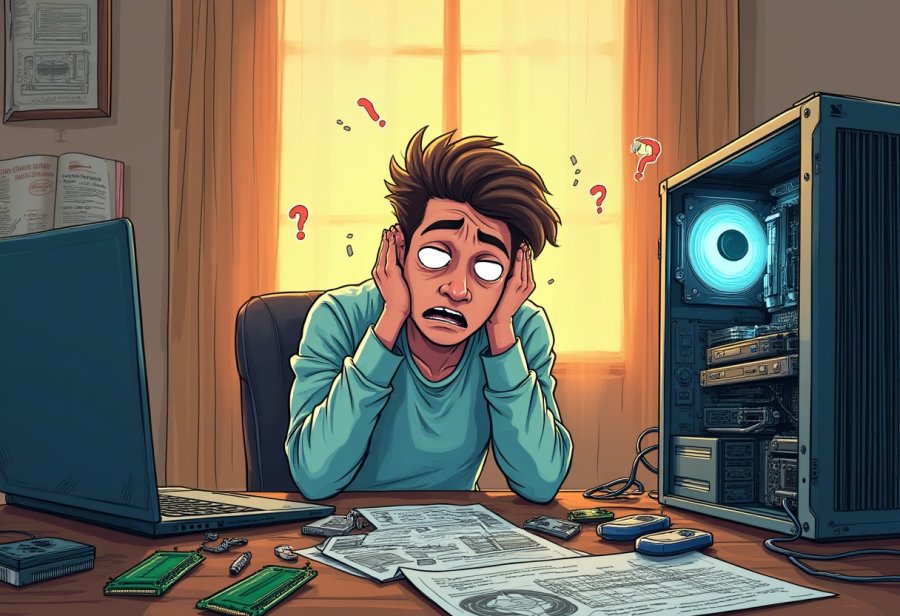
The chaos that often erupts during a hardware upgrade isn’t just bad luck; it’s rooted in the very nature of working with complex technology. Modern computer components are tiny, intricate, and designed to fit together with precision. When you start swapping parts, even small mistakes—like leaving the power connected or misreading a manual—can trigger a chain reaction of issues. Each component depends on others, so a misaligned or incompatible part can stall the whole process, turning what should be a straightforward task into a tangled mess.
Part of the chaos comes from the trial-and-error nature of DIY upgrades. Rarely do things go smoothly on the first try, especially if you’re new to tinkering. You might struggle to fit a graphics card that’s just a millimeter too big or discover that a cable isn’t long enough to reach its destination. Each mistake, whether forcing a part into the wrong slot or disconnecting the wrong cable, adds another layer of confusion. The process often feels more like solving a puzzle with missing pieces than a simple swap, testing patience at every turn.
Limited experience and vague instructions only deepen the disorder. Manuals tend to assume familiarity with technical jargon or skip steps altogether, leaving beginners to guess what’s next. Without a solid understanding of how each component fits into the bigger picture, it’s easy to install something incorrectly or cause damage. This lack of clarity turns a straightforward upgrade into a guessing game, where every misstep risks adding to the chaos. It’s these small errors—missed screws, wrong connections—that compound into a frustrating, often comical, ordeal.
Compatibility issues are another major driver of the mess. Not all hardware plays nicely together, especially when mixing old and new parts. A graphics card might refuse to fit into an older motherboard, or mismatched RAM modules can cause instability. Often these problems only become obvious after you’ve already started assembling, forcing you to backtrack and disassemble again. Recognizing that not every component is a perfect match is part of the learning curve, but it can turn a simple upgrade into a frustrating puzzle that seems impossible to solve.
All these factors—complexity, trial and error, limited knowledge, and compatibility—combine to create the unpredictable nature of DIY upgrades. It’s less about a clean, straightforward swap and more like managing a delicate, chaotic puzzle. This inherent disorder isn’t a flaw; it’s part of what makes the process challenging and rewarding. Approaching it with patience and a sense of humor helps turn setbacks into learning moments, transforming chaos into a shared experience of discovery rather than frustration.
In the end, understanding why chaos happens doesn’t eliminate the mess, but it makes it easier to accept. Recognizing that every mistake is part of the process helps you stay calm and keeps your sense of humor intact. Each failed attempt or tangled cable becomes a badge of experience, building confidence for future upgrades. The chaos is unavoidable, but embracing it makes the journey more fun—and ultimately, more successful.
Practical Insights for Managing the Mess: Tips to Tackle Your Next DIY Upgrade
When tackling a DIY computer upgrade, organization is your best friend. Before you even touch a screwdriver, lay out all your tools—screwdrivers, anti-static wrist straps, cable ties—and keep your components within easy reach. A clean, well-lit workspace prevents accidental bumps and keeps the chaos manageable. Taking a few moments to prepare your environment makes the entire process smoother and reduces stress when things don’t go perfectly.
Labeling cables as you disconnect them can save you hours later. Use masking tape and a marker to note where each connection goes, especially power and data cables. When it’s time to reassemble, clear labels help you connect everything correctly without second-guessing. This simple step turns a tangled web of wires into a puzzle you can solve systematically, preventing mistakes that could damage hardware or cause startup problems.
Patience is crucial. Rushing often leads to errors like forcing incompatible parts or disconnecting the wrong cables. If something doesn’t slide in smoothly, stop and double-check. Forcing a component can damage delicate pins or sockets, leading to bigger issues down the line. Take your time with each step—verify orientations, align connectors carefully, and move deliberately. The extra minutes spent now will save much more time troubleshooting later.
Cable management isn’t just about making things look tidy; it’s vital for airflow and future upgrades. Use zip ties or cable sleeves to route wires along case panels and out of the way of fans and vents. Neatly organized cables improve cooling efficiency, which keeps your system running smoothly and prevents overheating. Plus, tidy wiring makes future upgrades or maintenance less frustrating, turning a messy job into a straightforward one.
Leverage online resources whenever you can. Forums, video tutorials, and manufacturer manuals often provide clearer guidance than generic instructions. Watching a quick YouTube clip on installing a specific part or reading user tips can clarify confusing steps. Don’t hesitate to ask questions in dedicated communities—most DIY enthusiasts are eager to share advice and troubleshoot common problems. Using these tools boosts your confidence and helps prevent rookie mistakes.
Finally, keep a checklist. Jot down each step—disconnect cables, install components, boot the system—and tick them off as you go. This helps prevent forgotten steps and ensures you stay organized. Seeing your progress in real-time builds confidence and keeps you focused, especially during complex or multi-stage upgrades. When errors happen—and they will—approach them calmly and see them as opportunities to learn. With patience, preparation, and a sense of humor, managing the chaos becomes part of the fun, turning a potentially overwhelming task into a rewarding experience.
Embrace the Chaos: Celebrating the Lessons and Laughter of DIY PC Building
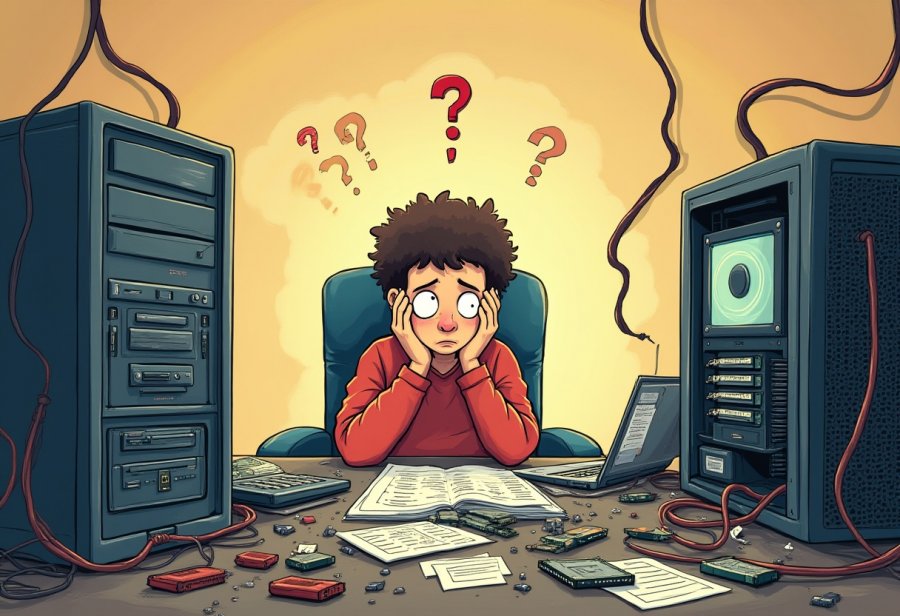
DIY computer upgrades rarely go as smoothly as we hope. Instead of a quick boost in performance, they often turn into memorable moments of chaos—tangled wires, missteps, and plenty of laughs. Embracing that chaos with humor makes the process not only more manageable but also more enjoyable. When you accept that mistakes are part of the journey, it becomes easier to learn and improve for next time.
Patience is your best friend during these projects. Rushing through an upgrade almost guarantees errors—missed steps, loose cables, or incompatible parts. Taking your time, double-checking connections, and staying organized can turn a stressful day into a satisfying achievement. Every slip-up becomes a lesson in disguise, building your confidence and skills for future upgrades.
Laughing at mistakes is just as vital as avoiding them. Whether it’s knocking over a cup of coffee onto your motherboard or installing RAM backwards, these moments are universal among DIYers. Sharing these stories with friends or online communities helps transform frustration into fun, reminding us that nobody is immune to mishaps. These chaotic experiences become badges of honor that connect the DIY community and foster resilience.
Preparation makes all the difference. Having the right tools, reading manuals, and watching tutorials beforehand can prevent many frustrations. Labeling cables, organizing screws, and setting up a clean workspace help keep the chaos manageable. These small steps turn what could be a disorganized nightmare into a smooth process, saving hours of troubleshooting and stress.
Every mistake is a chance to learn. Even experienced DIYers stumble, and that’s part of the process. The key is to approach setbacks with a sense of humor and patience. Over time, these experiences reinforce your skills and confidence, making future upgrades less chaotic and more rewarding. Remember, each challenge you overcome adds to your knowledge and resilience.
In the end, upgrading your PC isn’t just about better hardware; it’s about personal growth and enjoying the journey. The chaos, mishaps, and laughs are what make the process memorable. Keeping a lighthearted attitude transforms frustration into fun and frustration into stories worth sharing. Embracing the unpredictable nature of DIY upgrades turns what could be a stressful task into a rewarding adventure—one that leaves you not just with a faster machine, but with a few good stories and a stronger DIY spirit.